What if my attendee loses their password?

For security, MeetMax encrypts all passwords. If you have an Attendee or Company who’s lost theirs, it can’t be recovered.
Instead, you’ll direct your participant to reset their password.
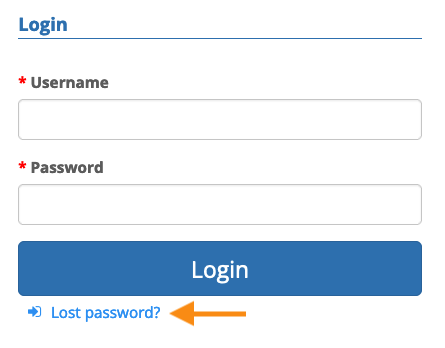
- Step 1. Direct them to their MeetMax login page.
- Step 2. Have them click the Lost password link:
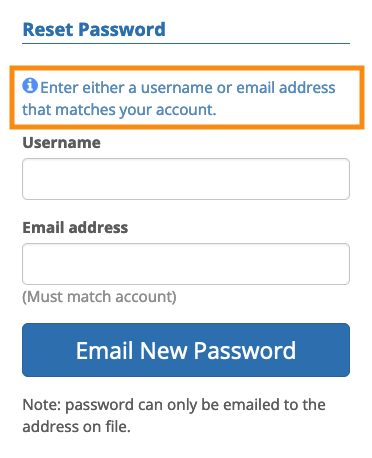
- Step 3. From there, they can enter either their account email address or username.
- If they’ve forgotten their username, when they provide the account email, we’ll remind them of the username:
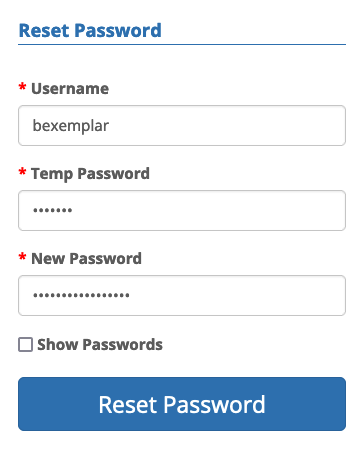
- Step 4. We’ll send a temporary password and a link to their account email address. They’ll enter that temporary password and then create a new one: