


In this article:
Where is it?
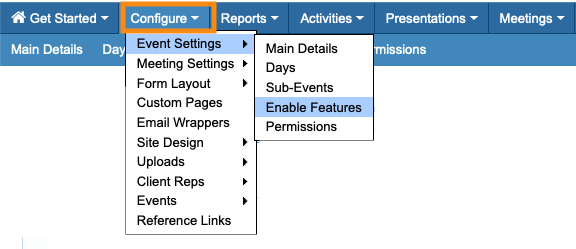
Payment processor settings are in the Configure tab:
Which option meets your needs?
If you’re not sure which payment solution meets your needs, this table is a general overview:
| Solution | Type | Best for average transaction volume: | Set-Up | You'll also need: | Average costs |
|---|---|---|---|---|---|
| Stripe | Payment Processor | Lower, inconsistent volume | Easier, Faster | Corporate bank account |
|
| PayPal REST API | Payment Processor | Lower, inconsistent volume | Easier, Faster | Corporate bank account |
|
| Authorize.net | Payment Gateway | Higher, consistent volume | Harder, Slower |
Payment processor account
Internet merchant account |
|
| Payflow Gateway | Payment Gateway | Higher, consistent volume | Harder, Slower |
Payment processor account
Internet merchant account |
|
Using a Payment Processor
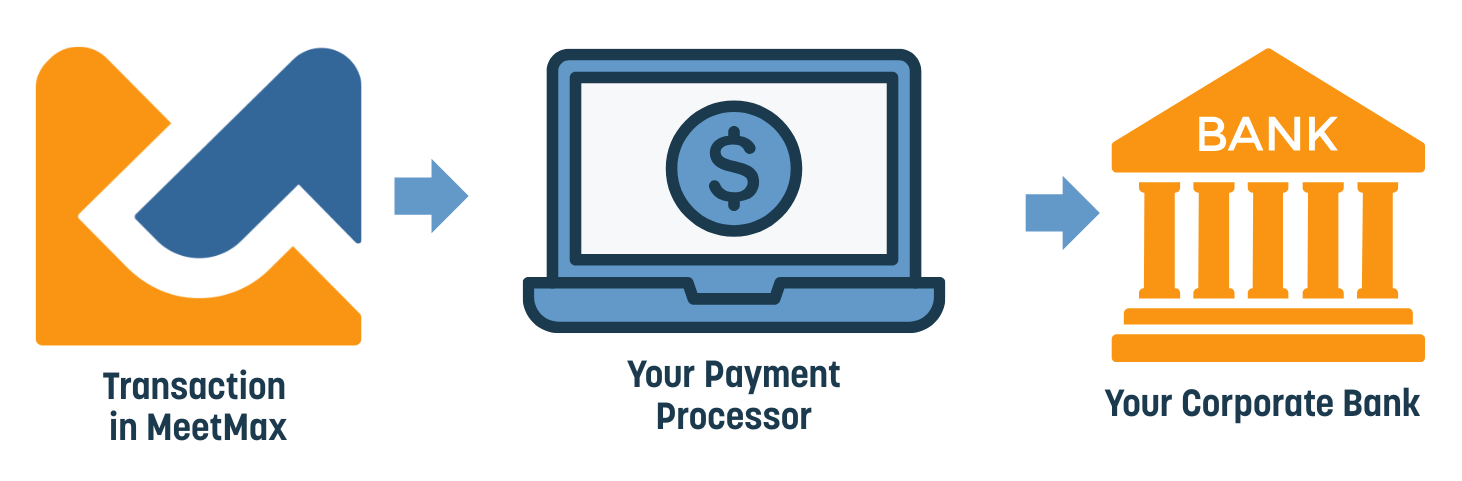
A Payment Processor is software that connects to your corporate bank account, and authorizes, processes, and settles transactions The payment processors MeetMax supports act as built-in payment gateways and internet merchant accounts.
MeetMax integrates with Stripe and PayPal REST API. Click the links for set-up instructions.
How does it work?
- Step 1. During registration in MeetMax, a participant enters their credit card number.
- Step 2. MeetMax encrypts this information, and transmits it securely to your payment processor. We don’t store any credit card information.
- Step 3. Your payment processor then authorizes the transaction, completes it, and moves the funds from the participant’s bank to yours.
Using a Payment Gateway
A payment gateway is an intermediary service. It acts as a secure communication link between MeetMax and your own payment processor (which is connected to your corporate bank).
MeetMax supports Authorize.net and Payflow Gateway. Click the links for set-up instructions.
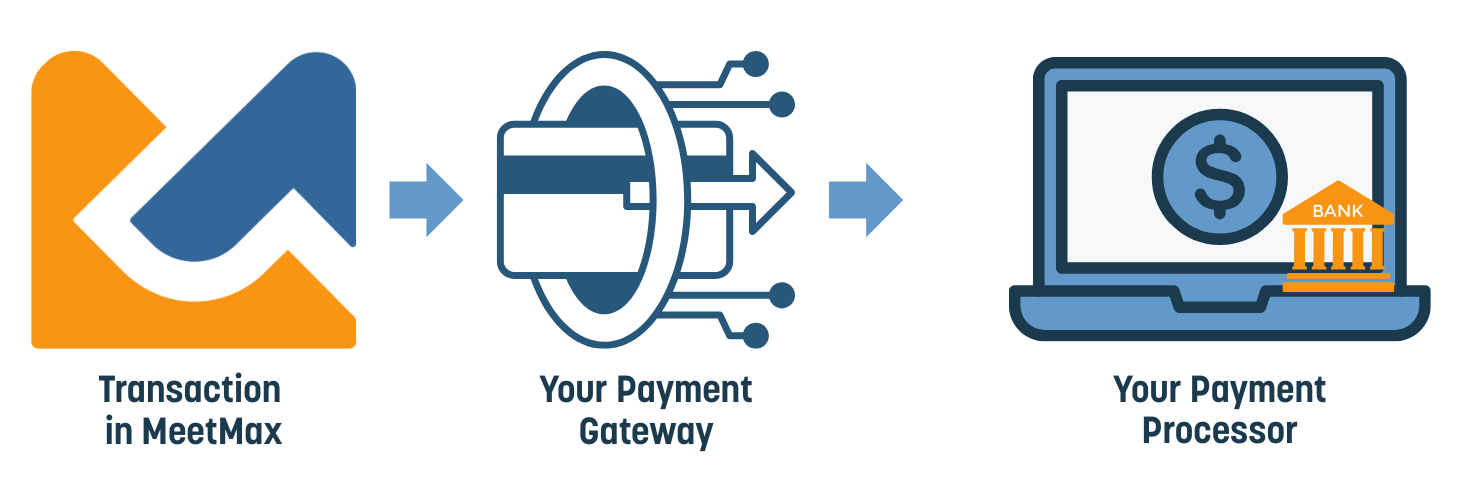
When you use a payment gateway, you can use any payment processor you prefer - there’s no need for it to be integrated with MeetMax, because the payment gateway is integrated instead.
Your internet merchant bank account
To process online payments, you’ll also need an internet merchant account, which connects to your corporate bank account.
The merchant account acts as the first stop for payments. They’re held there while authorization completes. Then the funds move to your corporate bank account.
How does it work?
- Step 1. During registration in MeetMax, a participant enters their credit card number.
- Step 2. MeetMax hands the payment information off to your payment gateway. We don’t store any credit card information.
- Step 3. Your payment gateway encrypts the payment details and transmits them securely to your payment processor.
- Step 4. Your payment processor then authorizes the transaction, completes it, and moves the funds from the participant’s bank to yours.
| MeetMax can also act as your bank, processing payments on your behalf. Reach out to your TWST Sales Representative for details. |

