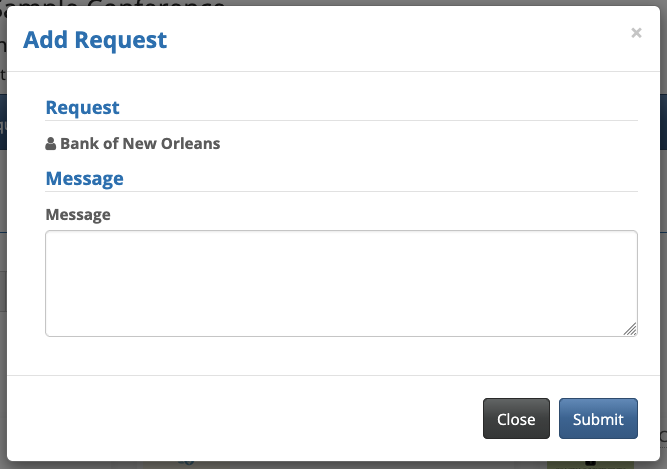
How do I disable meeting request ratings?

By default, meeting requests come with a Rating form. When a participant requests a meeting, they see something like this:
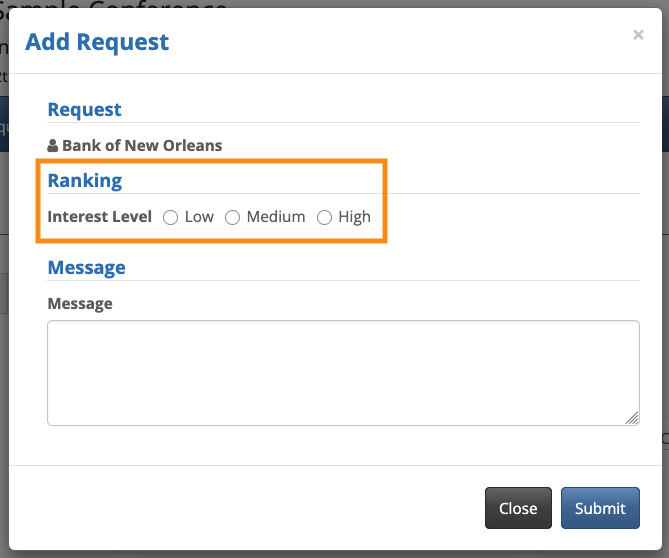
If you’d rather not have your participants see this form, here’s how to disable it.
- Step 1. Head to the Configure tab. Choose Form Layout, then Ratings. Choose Source, then Edit Form:

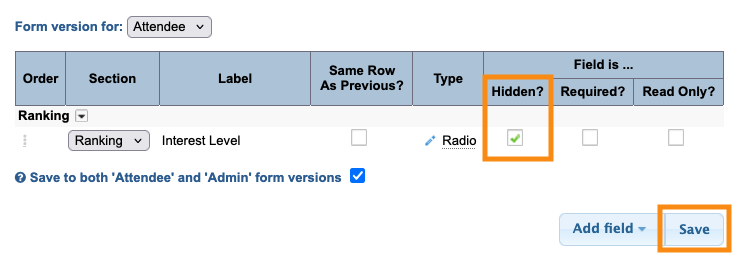
- Step 2. The default Ratings form has one field. If you’ve ever customized this form, you might see more fields here.
- For any fields that are present, click the Hidden checkbox. Then click Save:
- Step 3. Now, when someone requests a meeting, they won’t see any rating form: