How do I see who’s signed up for my Table Talk?

Once your Table Talk proposal has been approved by the event host, you’ll be able to track sign-ups.
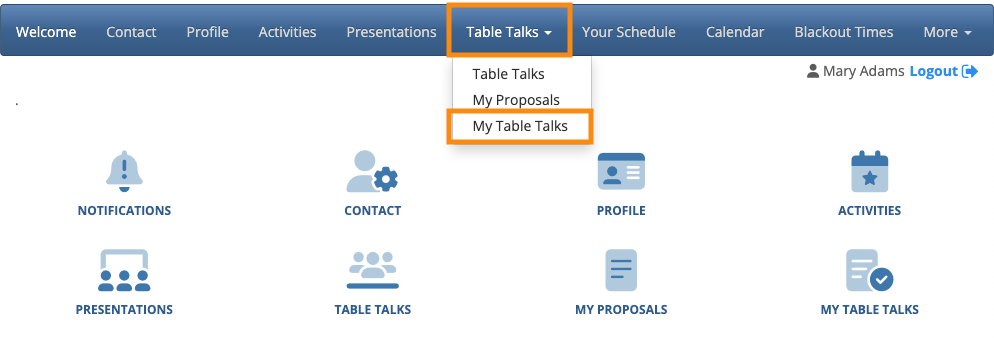
Log into your MeetMax account. Head to the Table Talks tab and choose My Table Talks:
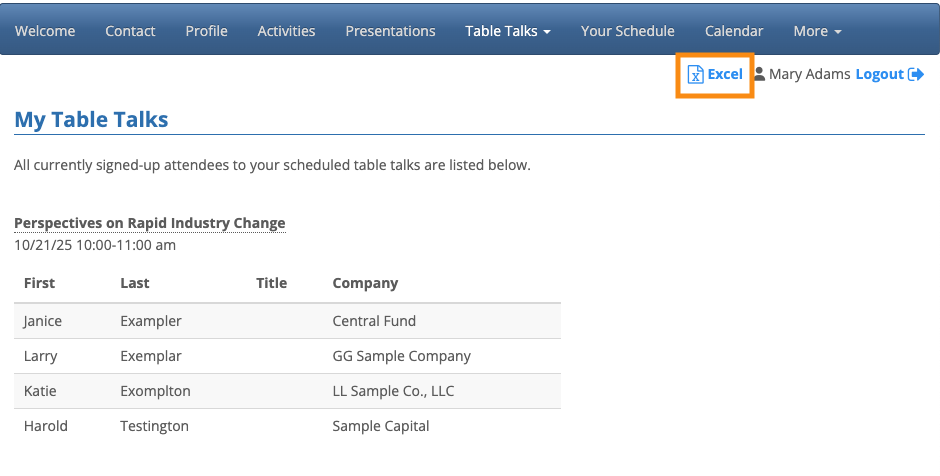
On the My Table Talks page, you’ll see a current list of people who’ve signed up to attend. It updates automatically as more people sign up.
Want to download the list as a spreadsheet? Head to the top left corner of the page and click Excel: