

I subscribed to my MeetMax schedule. How often will my calendar update?
If you export your MeetMax schedule to your personal calendar, the Subscribe option automatically updates your calendar with any changes:
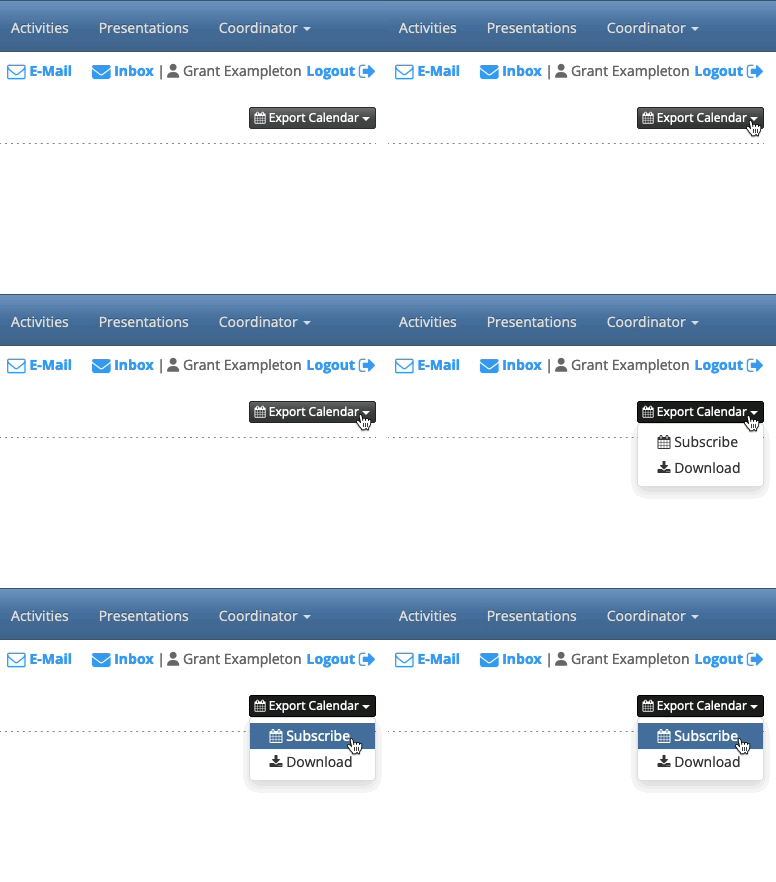
Your calendar, however, won’t update instantly every time there’s a change.
Every calendar provider periodically pulls the latest information from MeetMax. How often this happens depends on your provider.
For some calendar providers, you can change the update frequency. For others, you can’t. See below for your calendar provider and its options.
| This information is updated as of June 2026. The interval times here are approximate. Calendar providers can change their settings at any time. | |
| If you’re not sure how to update your calendar settings, please check your calendar provider’s documentation. |
| Calendar Provider | Default refresh interval | Can you adjust it? | Can you manually refresh? |
|---|---|---|---|
| Apple Calendar (MacOS) | Weekly | Yes - you can set a refresh as often every 5 minutes. | Yes |
| Apple Calendar (iOS) | Only when the device is charging and on Wi-Fi. | Yes - you can set your account’s refresh to 15, 30, or 60 minutes. | Yes |
| Outlook.com | Approximately every 3 hours; sometimes longer | No | No |
| Microsoft 365 (Desktop) | Every 3-4 hours; sometimes longer | No | No |
| Outlook (Classic) | Every 1-3 hours; sometimes longer | Yes, some versions | Yes |
| Google Calendar | Every 12-24 hours, sometimes longer | No | No |
| If you use Google Calendar, you might need to subscribe to your MeetMax calendar in both your desktop and mobile versions separately. | |
| The Android Google Calendar app doesn’t support subscribing to a calendar URL. | |
| If your calendar doesn’t allow a manual refresh, you can also try removing the calendar and re-subscribing. That would pull in the latest information. Check your calendar provider’s documentation to learn how to do this. |

