How do I set 2FA or MFA on MeetMax?

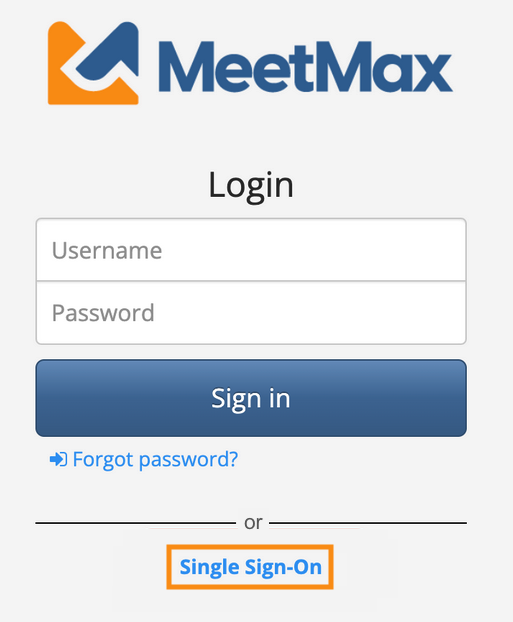
If your team needs to use multi-factor authentication for MeetMax logins, we recommend setting up Single Sign-On (SSO) for your account.
When you connect MeetMax to your SSO provider, you’ll have control over login security protocols. You can disable username/password login on MeetMax, so your team only uses their SSO credentials and security steps: