What if my participant loses their confirmation number?

If you’re using confirmation numbers for Attendee and Company logins, MeetMax automatically keeps track of each person’s confirmation code. You can recover it any time.
| Confirmation numbers can’t be changed, but they can be recovered. |
How an Admin can track and recover confirmation numbers
We recommend adding confirmation numbers to the Attendee List and Company List. (We'll show the Attendee List here, but the process is the same for the Company List.)
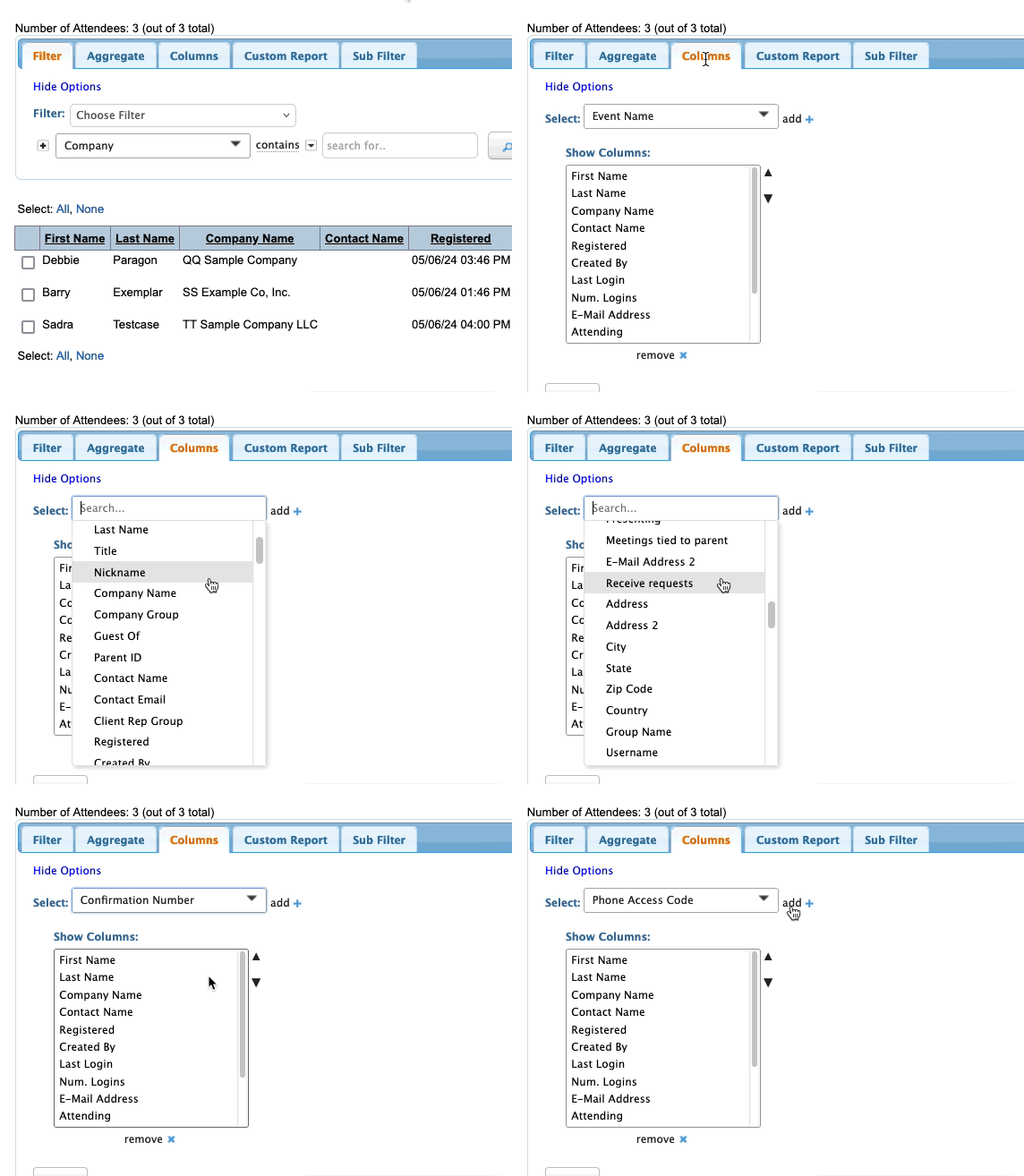
- Step 1. Head to the Attendee List:

- Step 2. Head to the Columns tab. Scroll to Confirmation number and select it. Then click Add:
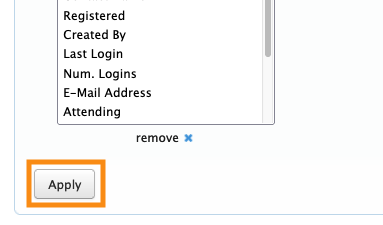
- Step 3. Click Apply to save:
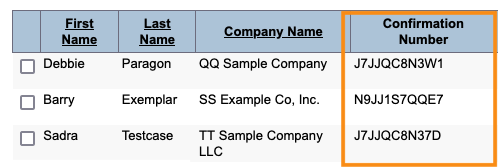
- You’ll now have a column on your Attendee List that shows each person’s confirmation number:
- You might want to save this as a custom report, so you can quickly access it later.
How a participant can recover their confirmation number
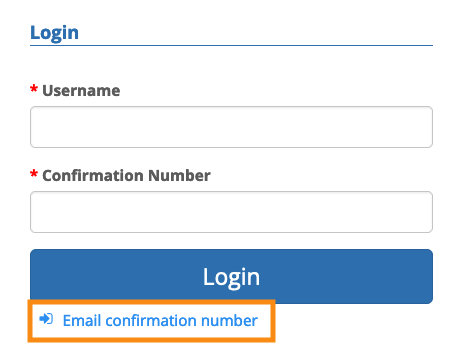
In the MeetMax login form, an Attendee or Company can always click the Email confirmation number link.
MeetMax will verify the account email address, and then email them their details: