

How do participants sign up for presentations?

When an Attendee logs into MeetMax, they’ll click the Presentations tab or icon:

On their Notifications page, they’ll also see a prompt to indicate which presentations they’re interested in:


| These pages will be branded for your event, and contain the menu options you've enabled. |
On the Presentations page, the Attendee can click the button to add any presentation to their schedule:

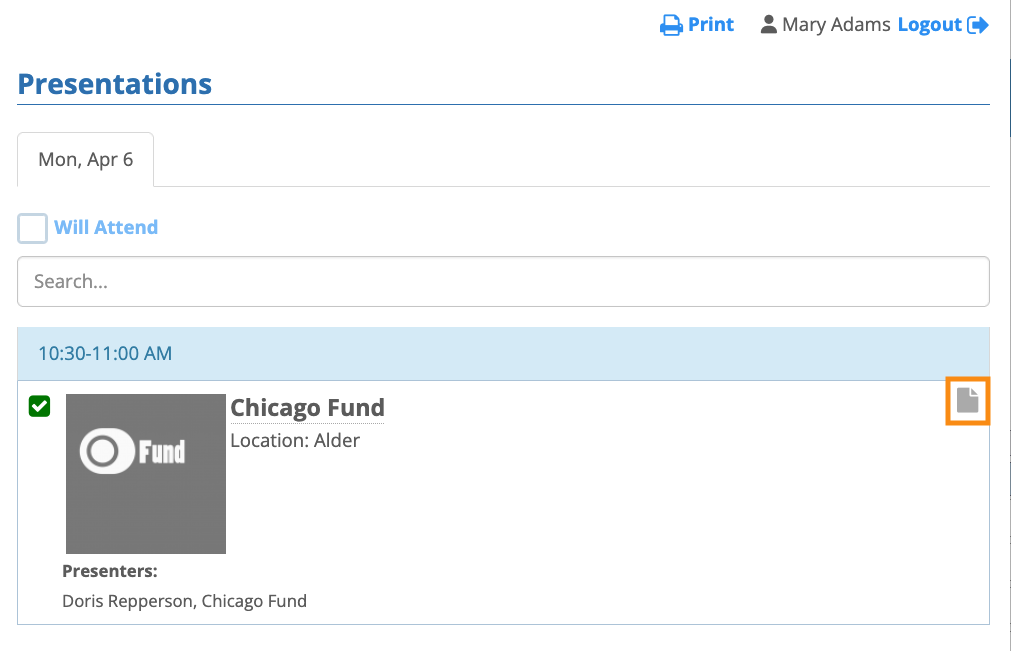
Once the participant has signed up, MeetMax adds a Notes icon. That lets the participant add any reminders or other information they want to remember about the presentation:
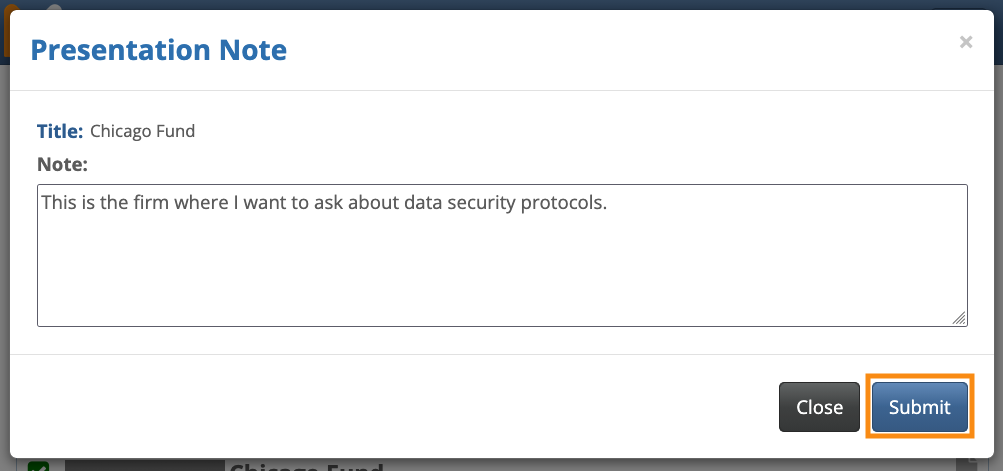
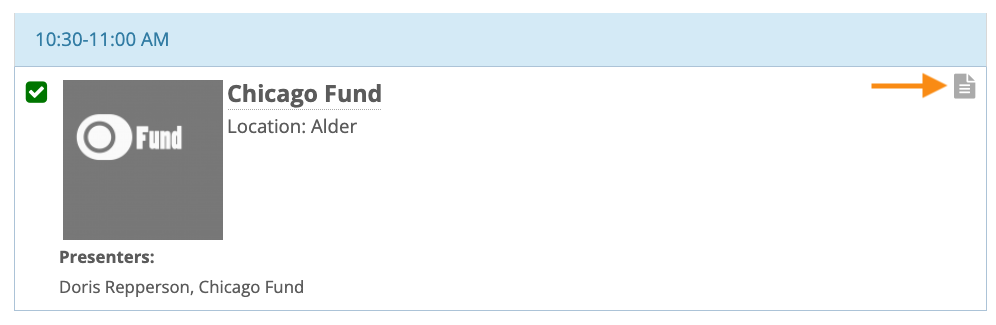
Once the participant adds an internal note, the icon changes to show that:
Participants see all of the presentations they've signed up for on the Your Schedule tab (alongside their activities and 1x1 meetings):


