

How do I delete an Admin (Client Rep) account?
Once you create an Admin (Client Rep) account, it can’t be deleted from MeetMax.
Instead, you can disable the account and remove all of its permissions. That way it can’t access anything.
- Step 1. Head to the Client Rep List:

- Step 2. Locate the person you need to deactivate. Click the Edit link:

- Step 3. Is this Client Rep part of any Client Rep groups? If so, use the Attendee Access Group menu to remove those assignments.
- Step 4. Set the Type to Non Active. Click Submit to save the change:
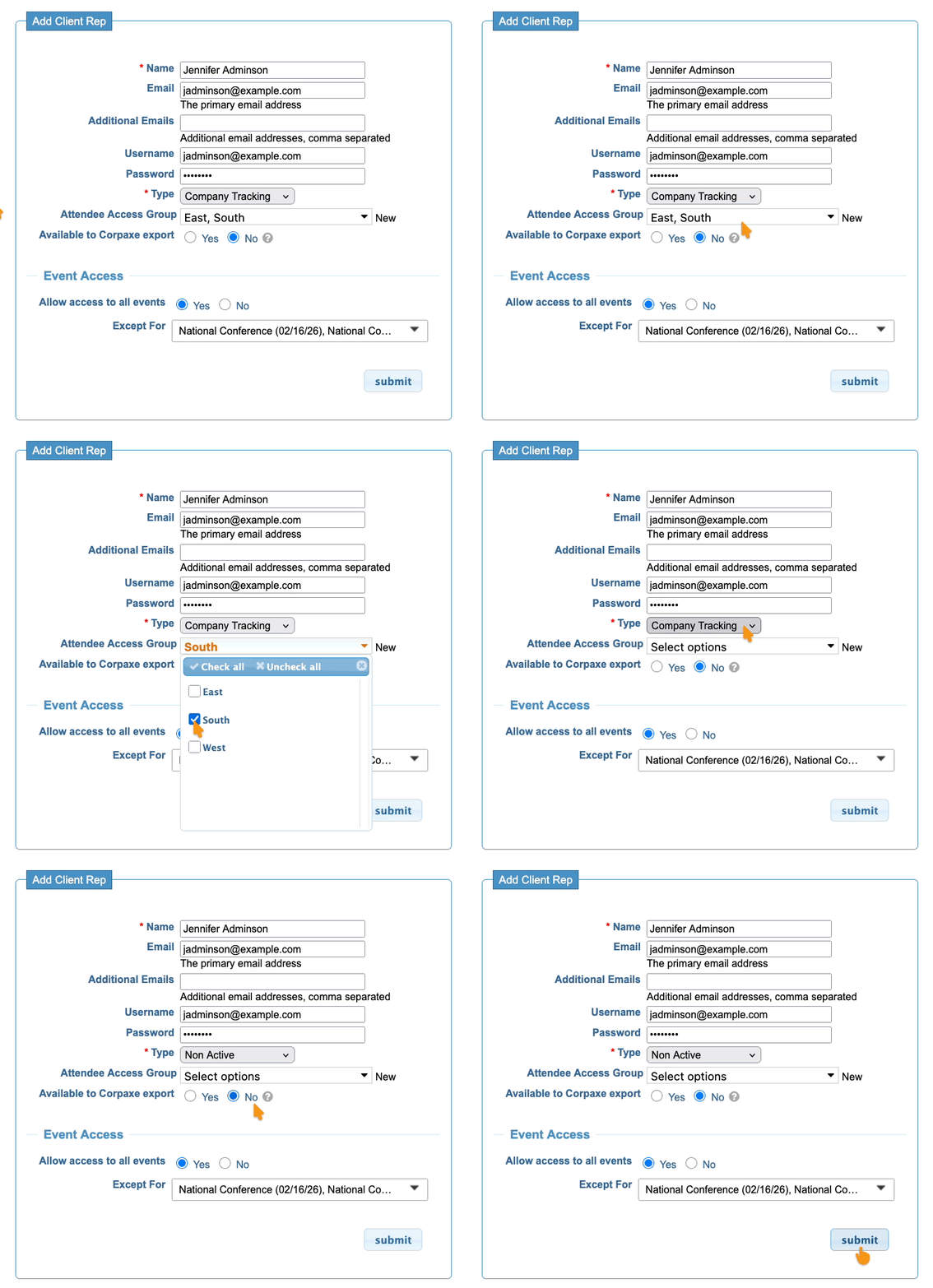
Now that the account is Non Active, the account holder can no longer log into MeetMax.

