How do I cancel a scheduled batch email?

When you’re creating a batch email in MeetMax, you’ll have the option to schedule the send for a future time:
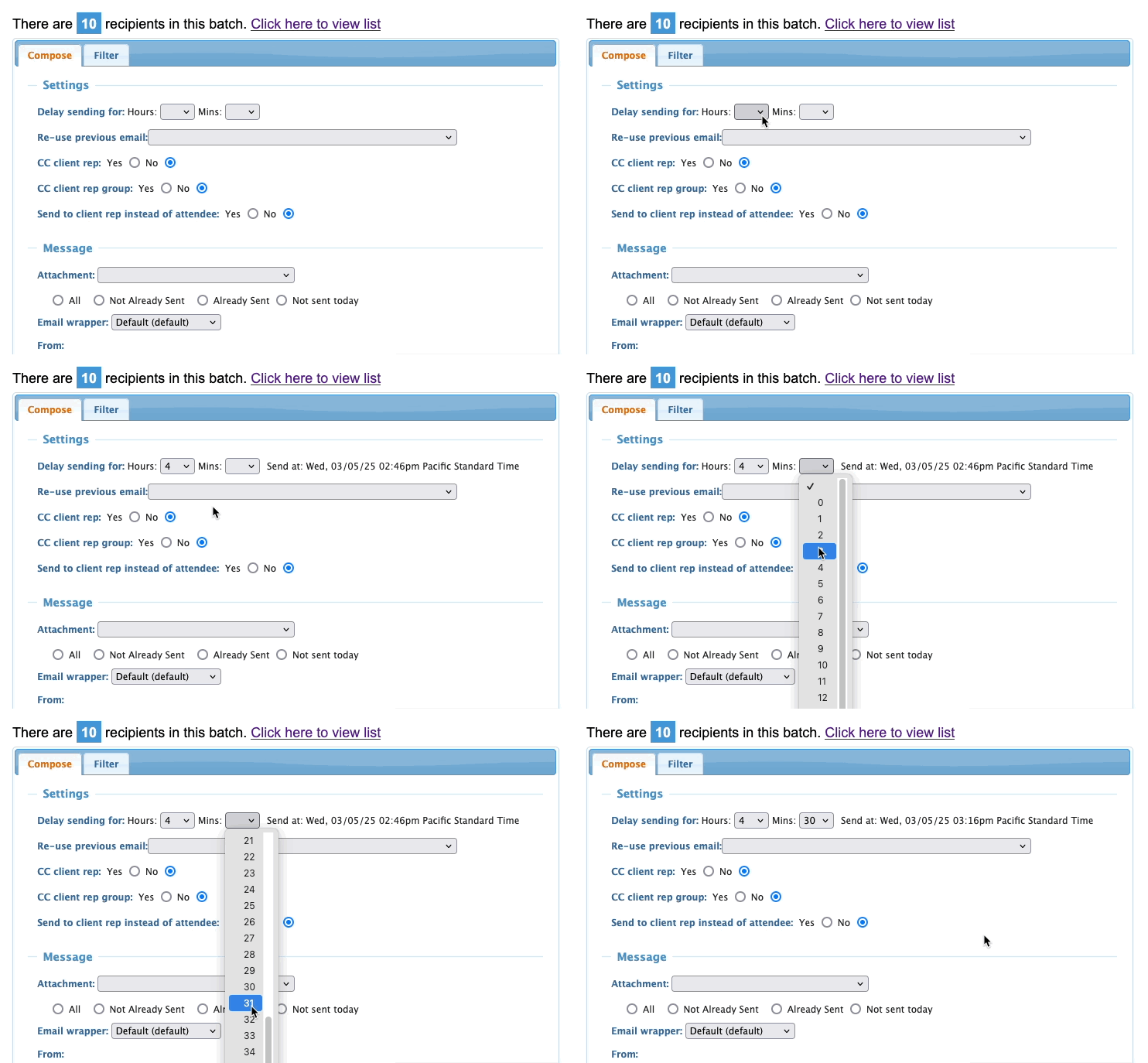
You can cancel any scheduled send that’s more than one hour in the future.
| If there's a possibility that you might need to cancel a batch email, do not schedule it for less than an hour in the future. |
- Step 1. Head to the Messaging tab. Choose Email Logs, then Batches:

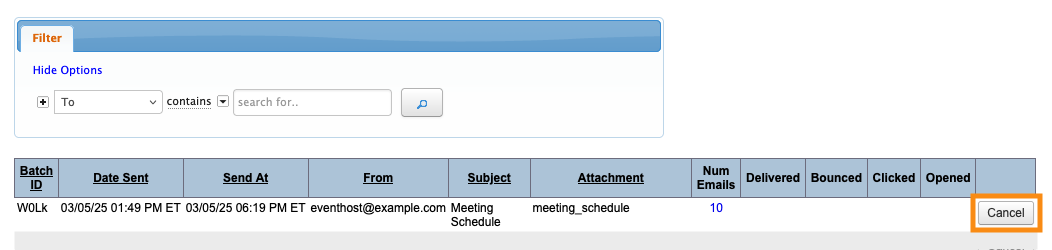
- Step 2. On the Batch Email Log page, you’ll see the scheduled send. Click the Cancel button:
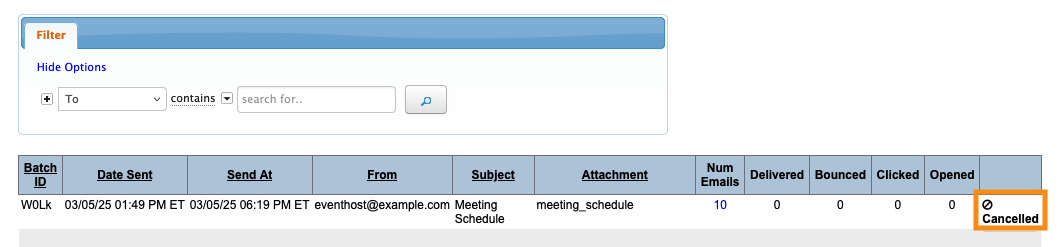
- Step 3. You’ll be prompted to confirm. Then you’ll see the Cancelled status:
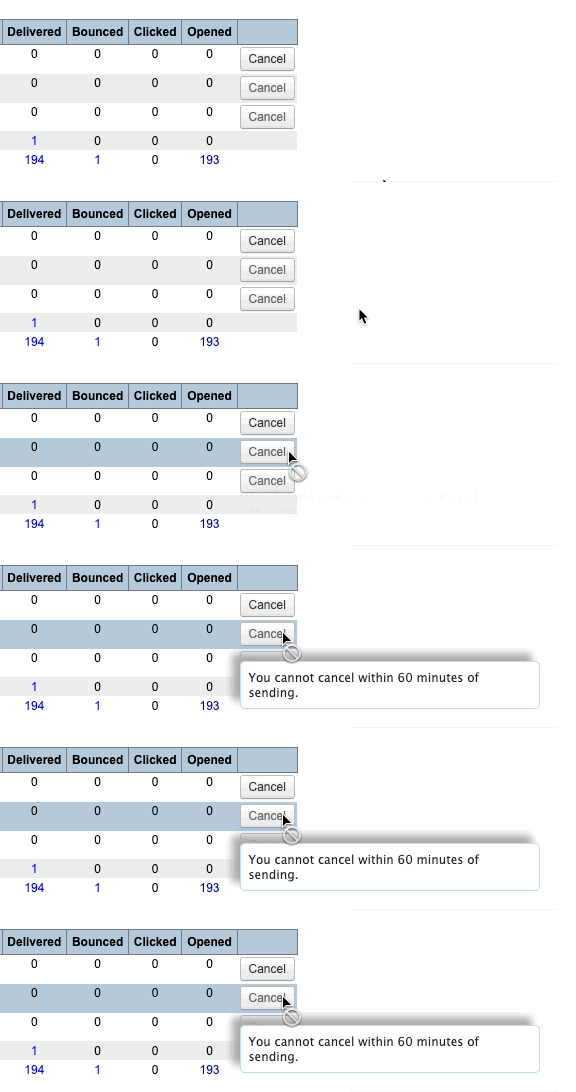
- If your scheduled send time is less than an hour in the future, MeetMax disables the Cancel option: