This question sometimes comes up in Unmoderated meeting programs, where participants send meeting requests directly to each other.
If a participant is waiting for someone to respond to a meeting request, there are two ways they can follow up. The best one will depend on how your event is set up.
Option 1: Message the recipient
If your event allows participants to message each other, that’s usually the best way to check on a pending meeting request.
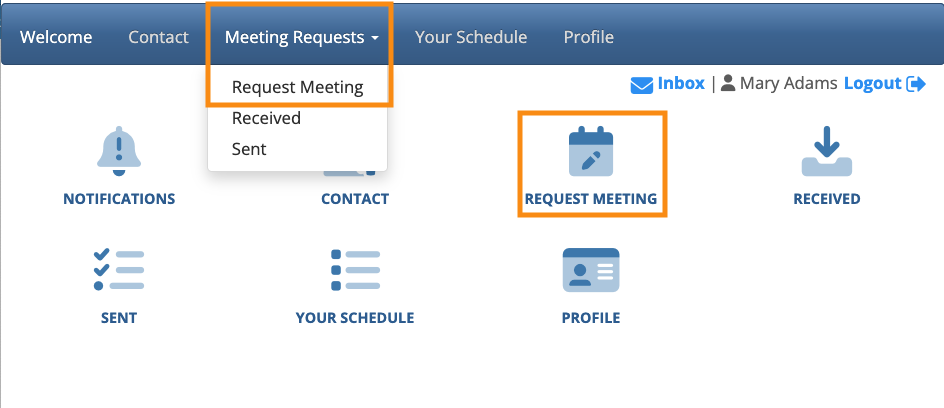
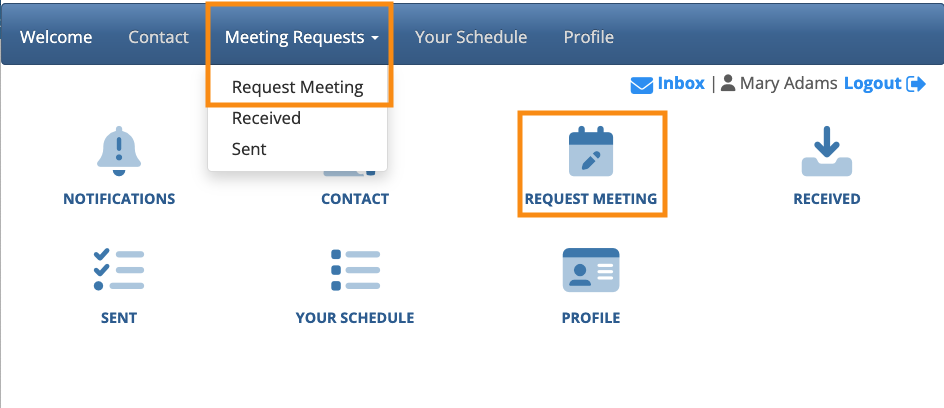
The participant would head to the Request Meeting page:
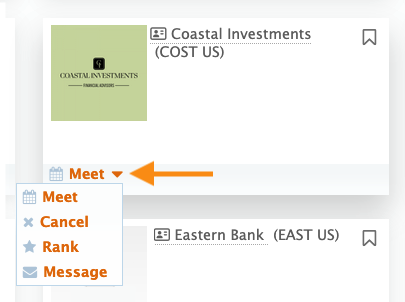
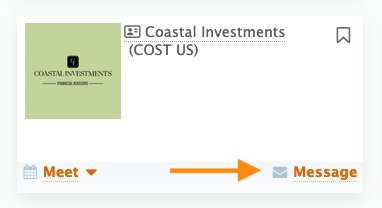
Locate the recipient of the request, and use the Message option to check in. The layout here will depend on your event’s settings:

Option 2: Cancel and re-submit the request
| If your event allows meeting request declines, don’t use this option. With this feature, once a request is canceled, it can’t be re-submitted. |
If a participant wants to refresh the request, they can cancel it and submit a new one. This does, however, generate new email and Inbox notifications. That could be confusing for the recipient.
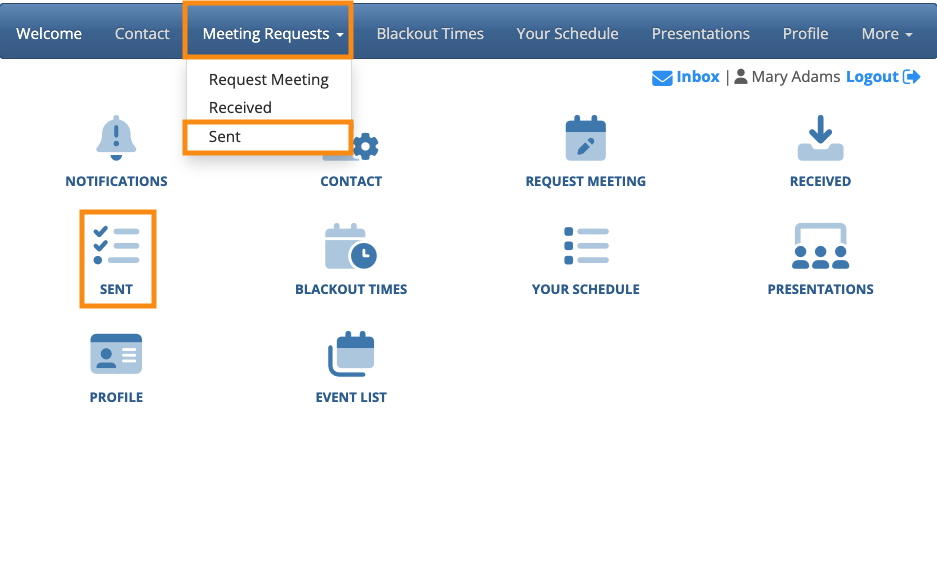
- Step 1. The participant would head to the Meeting Requests Sent page:
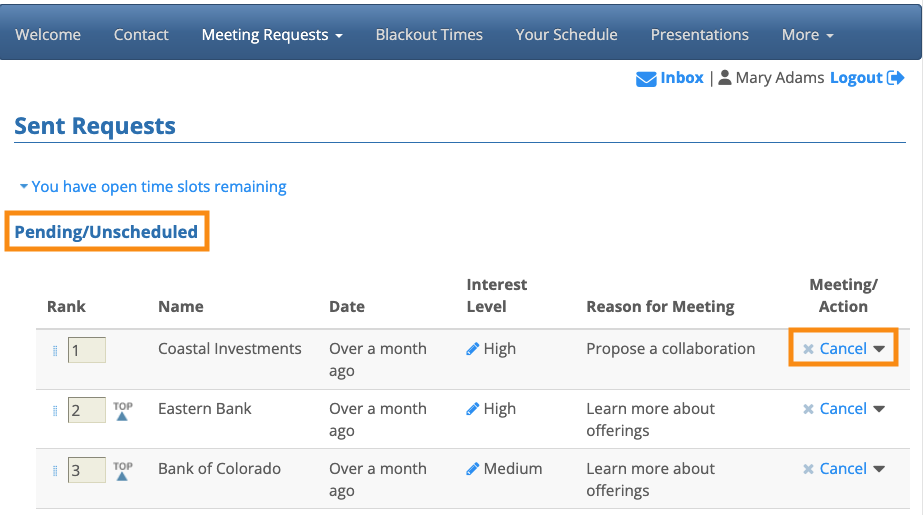
- Step 2. The request should be in the Pending/Unscheduled section of this page. Use the menu to choose Cancel:
- Step 3. The participant then heads back to the Request Meeting page to add a new request: