How do I update a participant’s profile?

Your event’s participants will log into MeetMax and fill out their Profile forms. As an Admin, you can also make updates as needed.
- Step 1. Head to the Attendee List or Company List:
-


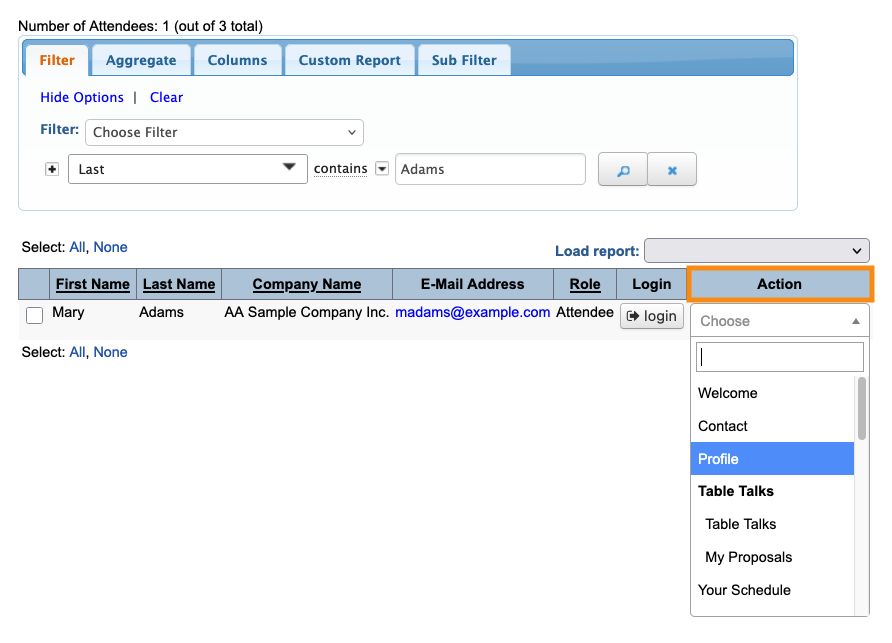
- Step 2. Filter the list to locate the participant you need.
- Use the Action menu to choose Profile:
-
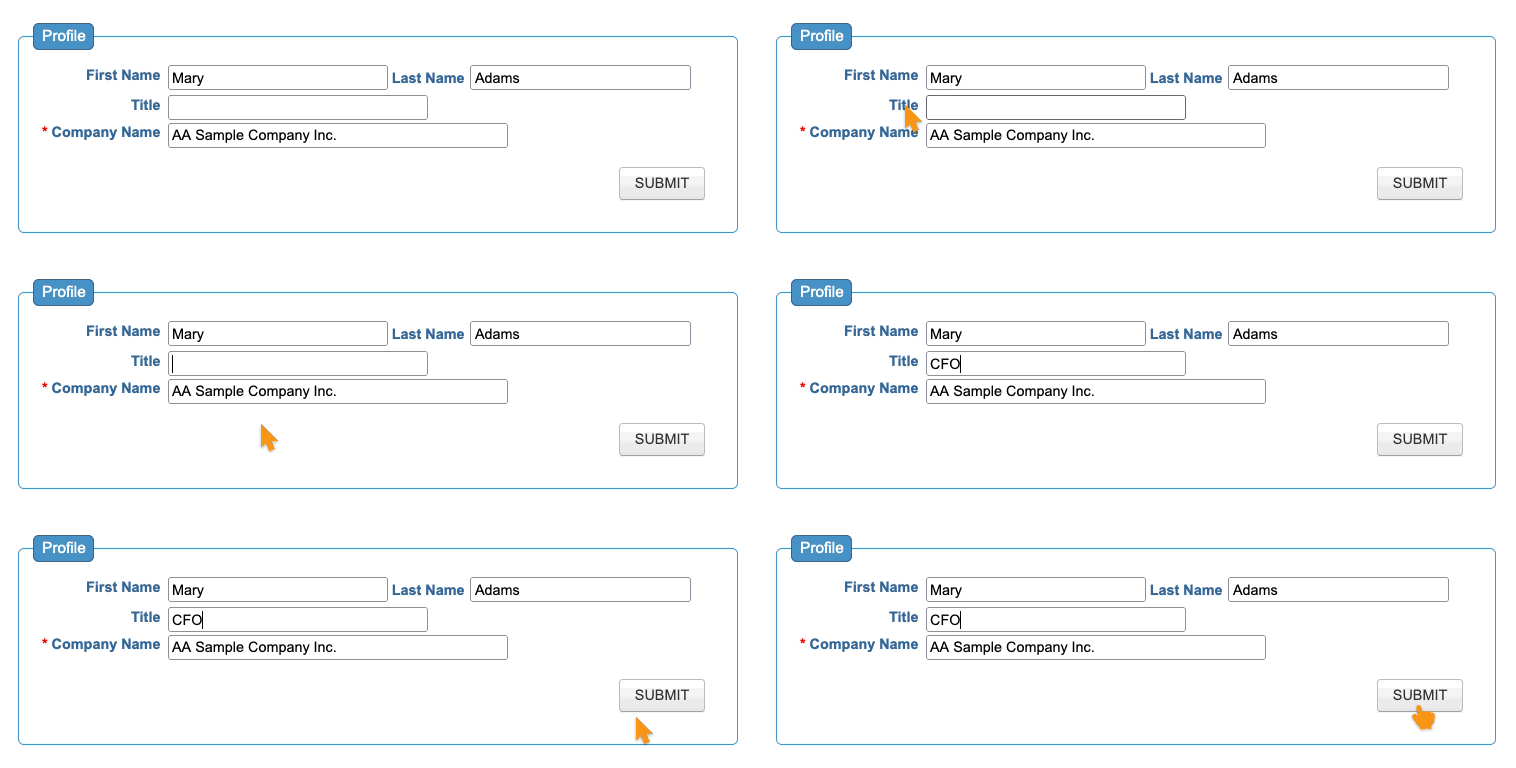
- Step 3. You’re now in the Admin view of this participant’s Profile form.
- Make any changes you need and click Save: