Where are Company Reps listed on the Meeting Times page?

The way you see Company Reps on the Meeting Times page depends on how they access meetings.
| Your event might use a different name for this role, such as Company Attendees. |
Tied Company Reps
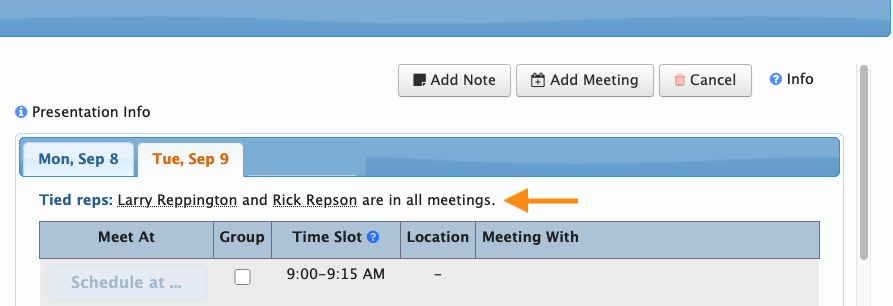
These Reps are automatically scheduled for all of their Company's meetings. When you visit the Company's Meeting Times page, you'll see the tied reps listed along the top:
Untied Company Reps
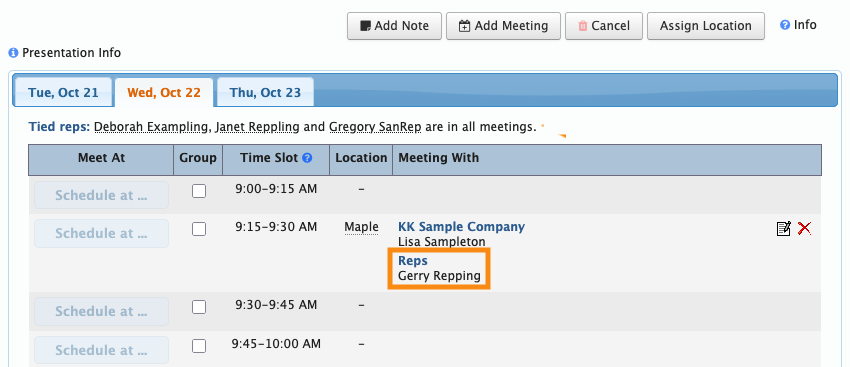
These Reps aren't tied to their Company's meetings. Instead, you can schedule them into individual meetings as needed.
On the Meeting Times page, you'll see them listed under the meetings where they've been added: