

There are several ways you can update the content of a batch email.
Batch emailer: using the Message field
This is the simplest option. If you’re using one of the MeetMax Attachments to generate a batch email, you can also use the Message field to add an extra message:
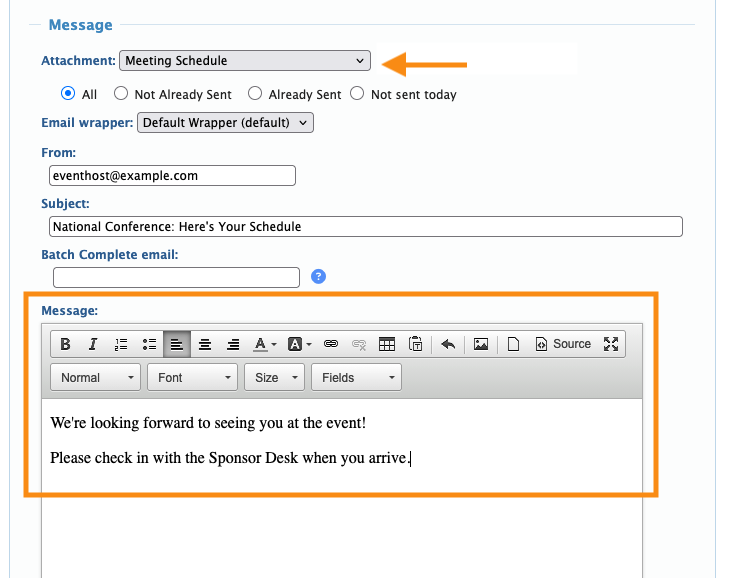
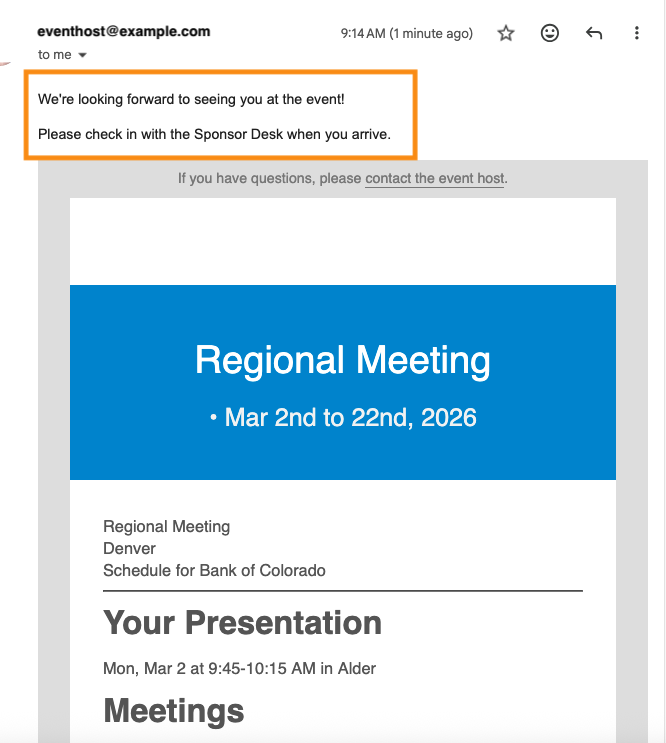
Recipients will see your message above the Attachment content, like this:
Adding custom content to a batch email Attachment
In some cases, you might want to customize the Attachment itself.
Every Attachment has zones, above or below the automated content, where you can insert text, images, and links.
In MeetMax, we call these inserts Messages:
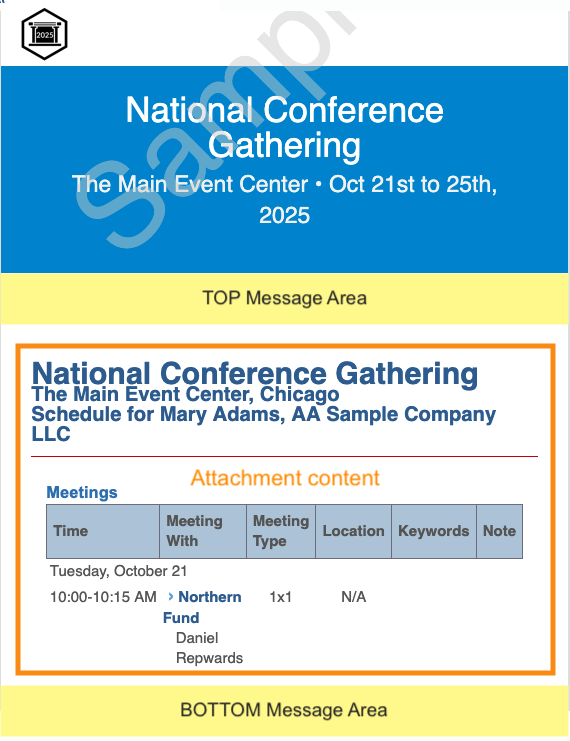
Learn how to add custom Messages to batch email Attachments here.
Editing an existing Custom Page email
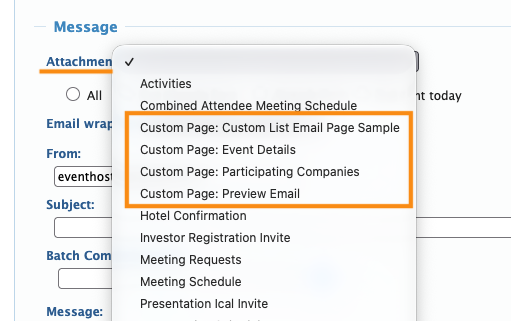
In some cases, our team will create Custom Pages to be used as emails for your event.
You’ll see these in the batch emailer, in the Attachment menu:
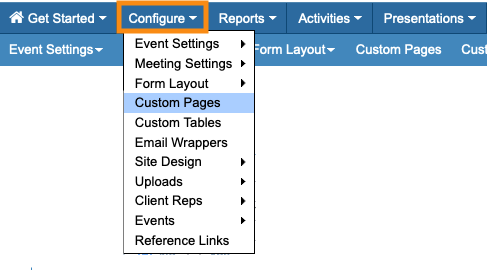
To edit a Custom Page email, head to your Custom Pages list:
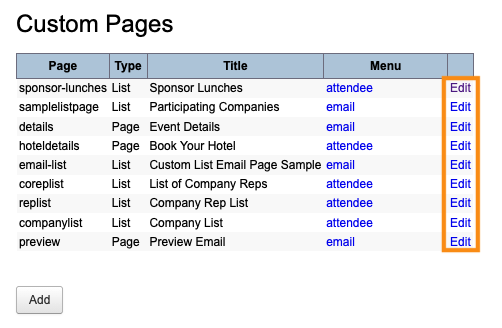
Locate the email you need and click its Edit link:
Learn more about Custom Page emails here.

