


How do I add blackout times for a meeting location?

Sometimes, you’ll have a meeting location that isn’t available at certain times. You can set “blackout times” so MeetMax hides the location for these time slots.
| We're assuming here that you've already added this location to MeetMax. |
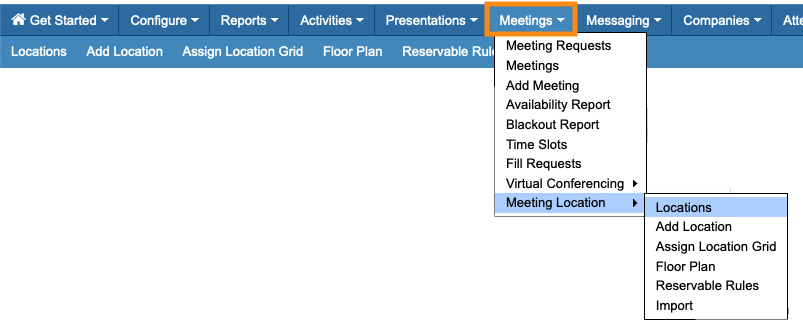
- Step 1. Head to the Meetings tab. Choose Meeting Location, and then Locations:
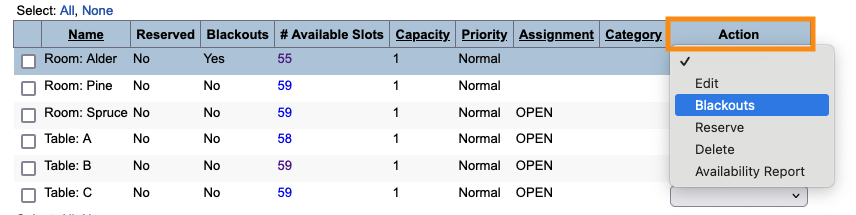
- Step 2. Find the location you need. Use the Action menu to choose Blackouts:
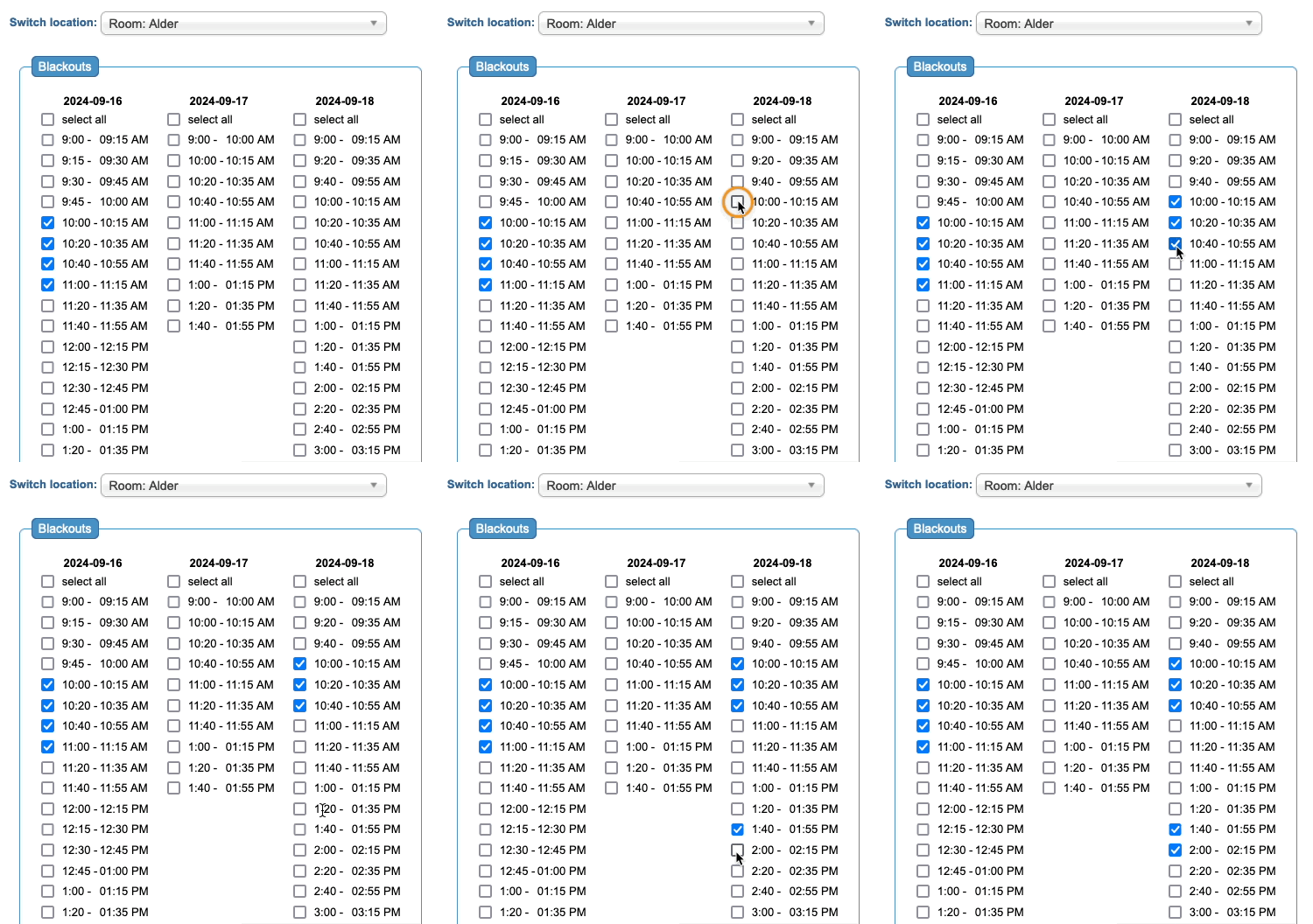
- Step 3. You’ll then see the available time slots for this meeting location. Click the checkboxes for any times you need to make this location unavailable:
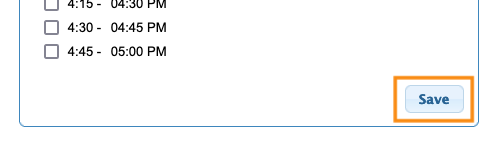
- Step 4. Be sure to click Save!
- You can change these blackout times whenever you need to. Just repeat these steps.

