

How do I hide this Presentation or Activity from a particular group?
If you’re using the Group Name field in your registration forms, you’ll be able to organize your event’s registrants into groups.
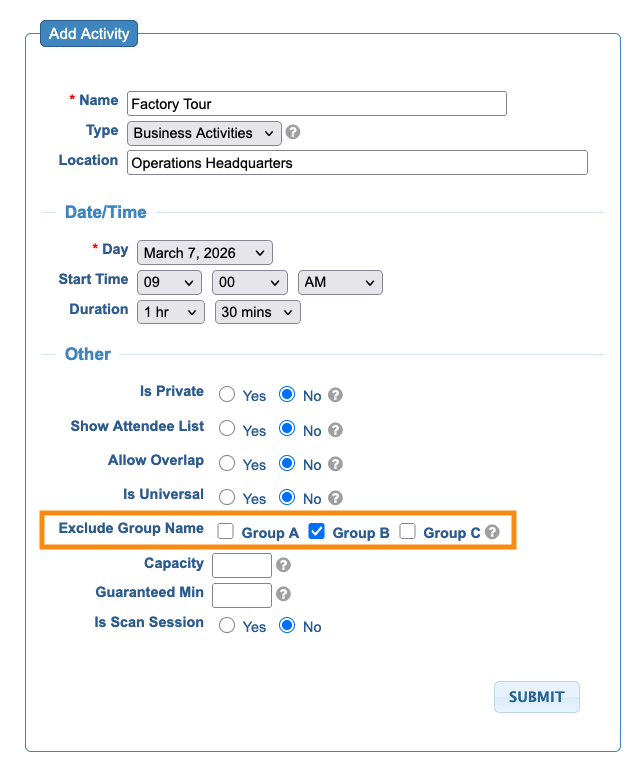
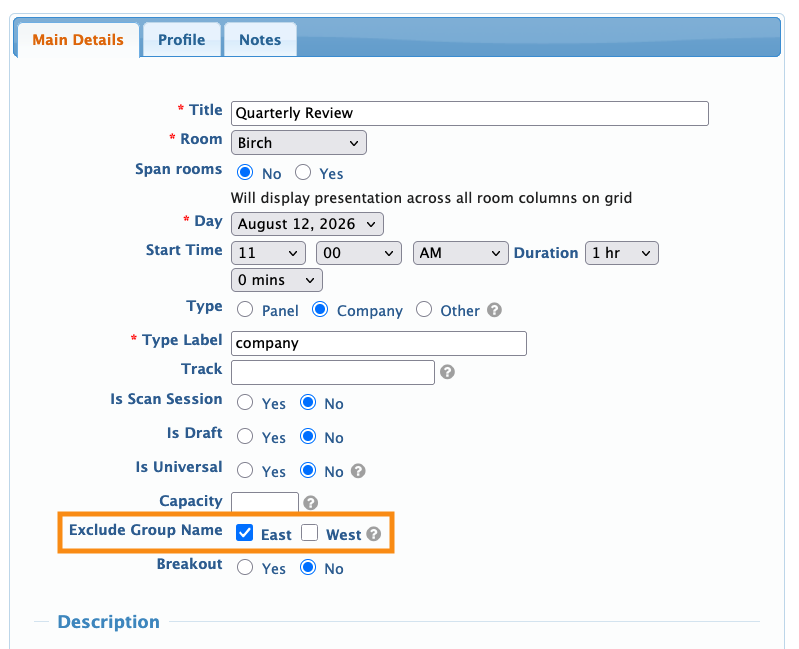
Once you’ve added that field and started assigning your Attendees and Companies to groups, you’ll see a new setting in these forms:
Add Activity form:
Add Presentation form:
You can set the exclusions for each Activity or Presentation either while you’re creating it, or while you're editing it.

