

How do I access the Client List view as an Admin?

MeetMax has a Client-first dashboard. It’s available to Client Reps who have these permissions:
| Our Support team needs to enable the Client List view for your events. |
Once our team has enabled the Client List, these users can log into MeetMax and toggle between the two view options:
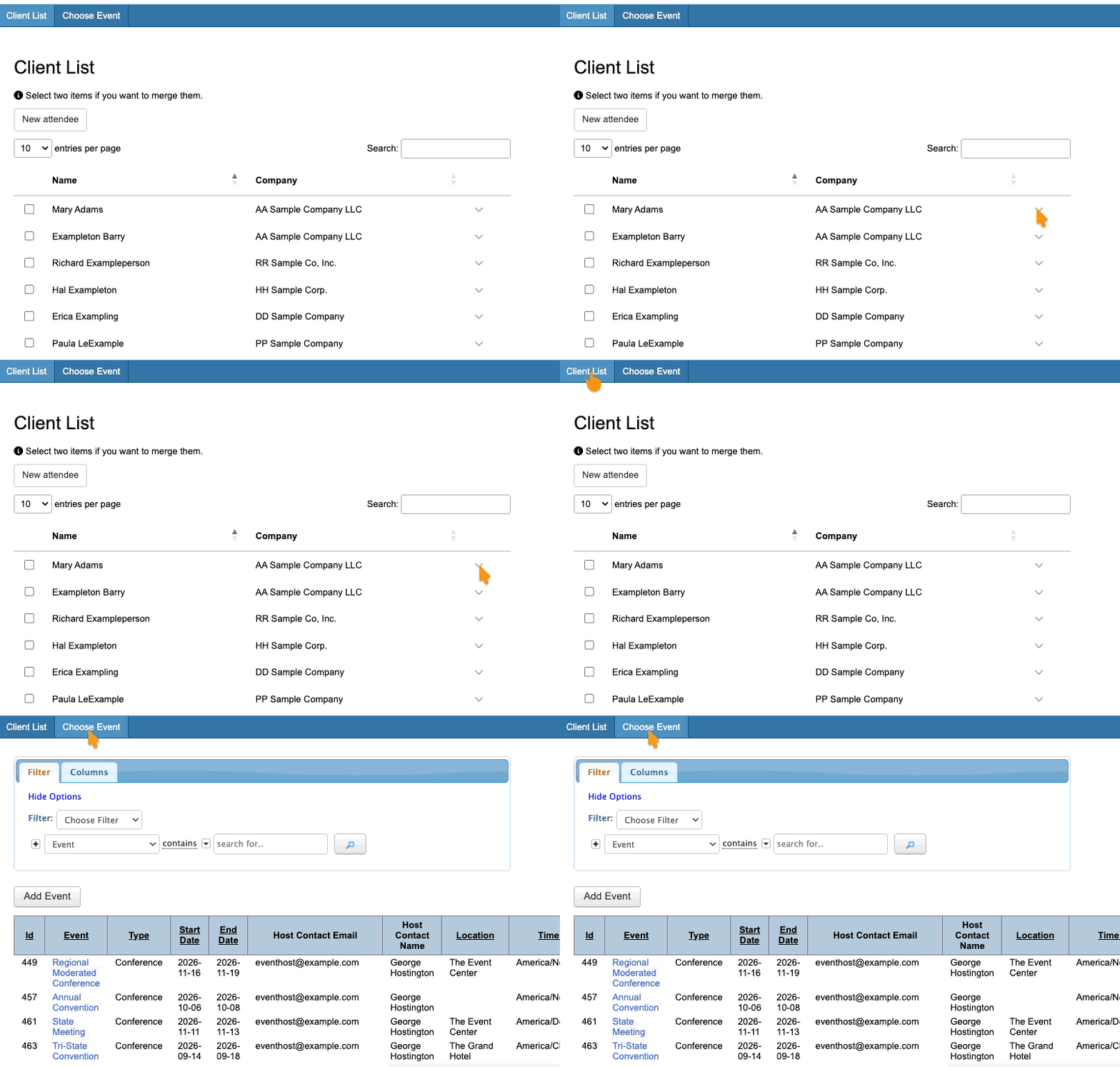
From either view, users can log into specific events and access participant records.
| Currently, the Client List view can’t be disabled for specific Sales Reps, Clients, or Event Administrators. Depending on your needs, you might be able to change a Client Rep to a different role that doesn't have access. |

